Getting started
Mention HQ is a local web app: a FastAPI backend and a React frontend, run side by side.
Requirements
Tooling comes from devbox, so you don't install Python, Node or anything else by hand:
Everything else — Python, uv, Node, yarn, go-task, Caddy — is pinned in
devbox.json.
Install and run
devbox shell          # or let direnv load the environment
task setup            # install backend + frontend, create and migrate the database
task dev              # API on :13000, UI on :13001
Open the UI, head to Admin, and connect a source or two. HQ degrades gracefully: a source with no credentials simply reports itself unconfigured — it never fails the sync.
Try it with demo data
You don't need to connect anything to see how HQ looks. Build a seeded, throwaway database and run the app against it:
task back:seed        # builds backend/hq-demo.db across every source
task front:build      # so the API can serve the built UI
task back:demo        # serves the whole app on :13010 from the demo DB
The demo database is a separate file — your real hq.db is never touched.
Your data is yours
backend/hq.db is a plain SQLite file next to the code. Secrets live in your OS keychain,
never in the database or a log line. Back it up any time from Admin → Database, or reveal
the backups folder in your file manager from the same screen.
Everyday commands
task check            # what CI runs: lint, typecheck, migration drift, tests
task back:sync        # sync from the CLI, without the UI
task back:test -- -k engine
Around the app
Two screens beyond the main tabs:
-
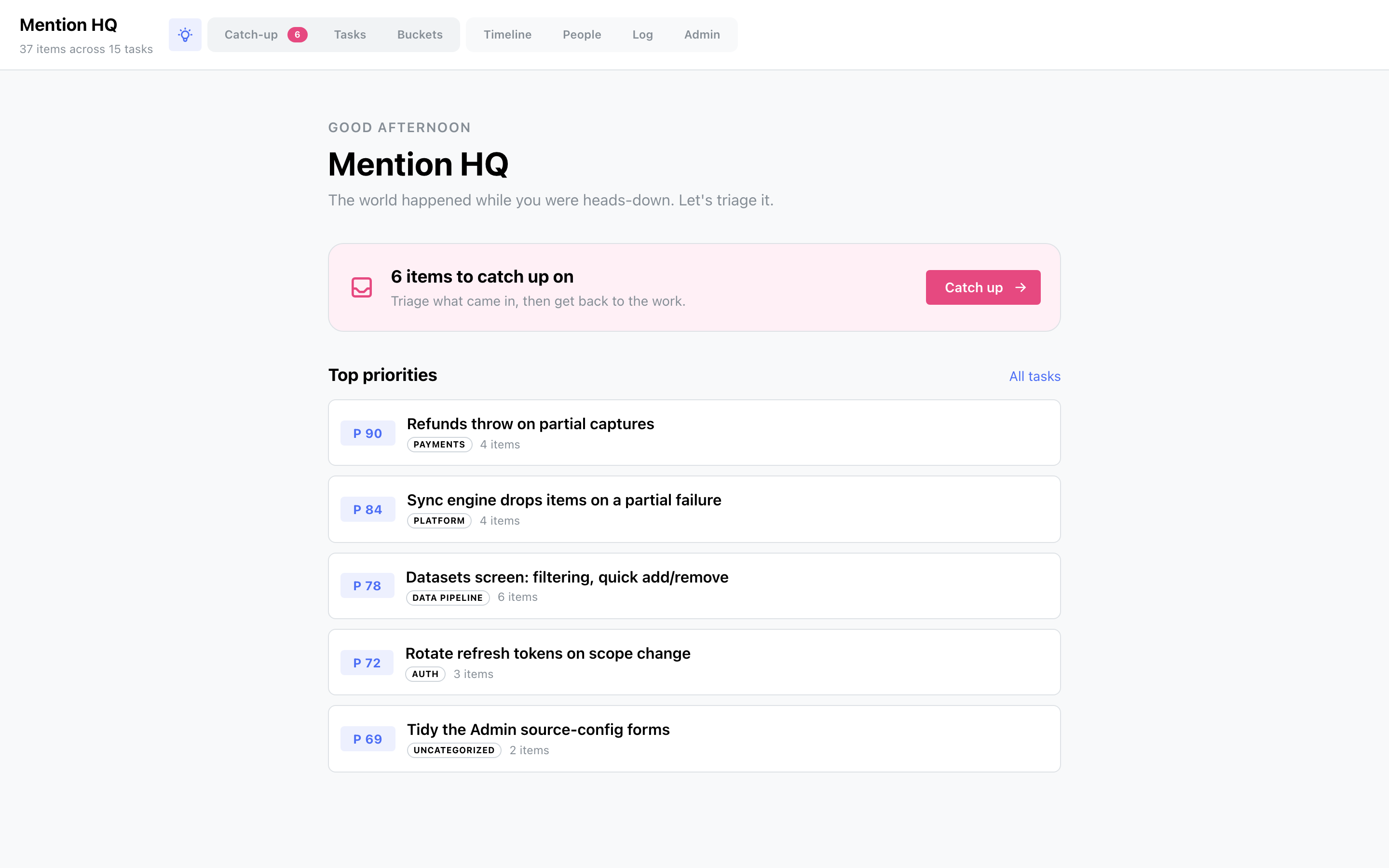
Welcome — click the app name (top-left) for a home screen: a greeting, a catch-up call-to-action when the inbox has items, and your five highest-priority tasks.
-
Log — the Log tab is a terminal-styled, read-only history of your syncs: per run, how many items each source fetched, what was added, and any errors. Sync runs hourly while the app is open with auto-sync on, or on demand from the button in the header.